Blog
Note su registrazione, montaggio e agenti.
Benchmark, confronti e note di build dal team. Niente riempitivo da growth hacking.
Is FocuSee Worth It? Real Complaints (Audio Desync, Refund Runaround) and Better Alternatives
FocuSee's feedback board has open reports of audio drifting out of sync on long recordings, and its pricing page deducts used AI credits from refunds. ScreenKite is a native macOS screen recorder with a native Windows Beta, free to use with a watermark, then one payment.
Is ScreenKite Free? What You Get Before Pro
ScreenKite is free to use with a watermark on exports. Every editing feature is free. One payment of $79.99 removes the watermark, covers 3 devices and never renews. Founder price until 2026-10-31, then $99.99.
Snagit Went Subscription-Only. The Pay-Once Screen Recorder for Creators Who Refuse to Rent
Since Snagit 2025, TechSmith sells Snagit only as an annual subscription with an online check-in every 90 days. Here is what that means for screen video, what long-time users said, and why ScreenKite stays one payment with no subscription.
 screen-studio
Screen Studio 4.0 Alternative for Creators Who Want a Full Studio: Record, Edit on Tracks, Direct Your Agent
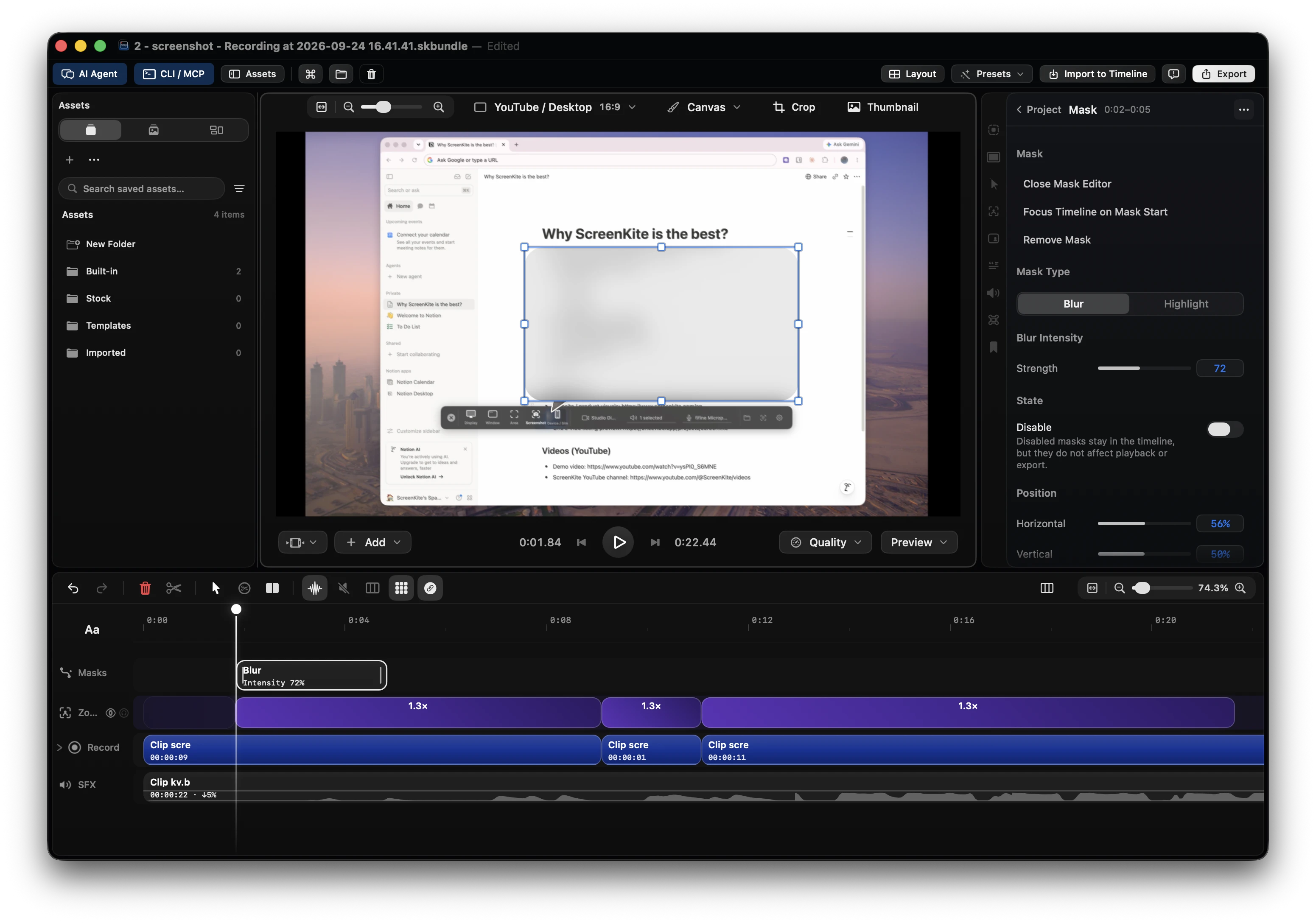
Screen Studio 4.0 adds edit by transcript and split screen. ScreenKite records, edits on a multi-track timeline and takes your own coding agent in one native app. Free to start, $79.99 once to remove the watermark.
ScreenPal Alternative for Creators Who Want a Local Timeline
ScreenPal, formerly Screencast-O-Matic, caps free recordings at 15 minutes and hosts videos on its own platform. ScreenKite records and edits on a local multi-clip timeline, free to use with a watermark, and Pro is one payment for 3 devices.
How to Edit a Screen Demo with Kimi
Record the demo in ScreenKite, open the project with Kimi, and ask for a transcript cut. Kimi returns the cut list first. The ScreenKite AI fee is $0. Free to start. Pro is one payment of $79.99.
Edit Screen Demos with Claude Opus 5.5 on Mac
Opus 5.5 is cutting talking-head and screen-sourced clips on X. For product demos, ScreenKite gives that model a native recorder, a real timeline, 83 tools over MCP and CLI, and a $0 AI fee. Free to start. Pro removes the watermark.
How to Record a Microsoft Teams Meeting on Mac
Teams' own recorder is a host feature on paid plans and stores the file in the cloud. Here is how to record the Teams window on your Mac with system audio and your microphone, then edit the take locally in ScreenKite.
How to Edit a Screen Demo with Antigravity
Record the demo in ScreenKite, open the project with Google Antigravity, and ask for a transcript cut. Antigravity returns the cut list first. The ScreenKite AI fee is $0. Free to start. Pro is one payment of $79.99.
Clueso MCP vs ScreenKite: Screen Demos Your Own Agent Edits on Your Mac
Clueso's MCP connector lets Claude, ChatGPT or Cursor drive its cloud editor on team plans with monthly export minutes. ScreenKite records and edits on your Mac with 83 local agent tools for one payment of $79.99.
How to Edit a Screen Demo with Grok Build
Record the demo in ScreenKite, open the project with Grok Build, and ask for a transcript cut. Grok Build returns the cut list first. The ScreenKite AI fee is $0. Free to start. Pro is one payment of $79.99.
Palmier Pro vs ScreenKite: License History, Built-In Agents, and Screen Demos
Palmier Pro moved from GPLv3 to proprietary binaries after v0.7.6 and now runs Claude Code and Codex in its own chat. ScreenKite records and edits your screen demo in one app for one payment of $79.99.
I benchmark nella tua inbox
Una email quando pubblichiamo qualcosa di misurabile. Niente sequenza drip.