
Is Screen Studio 4.0 Worth It If You Don't Want a Subscription?
No. Screen Studio 4.0 is subscription-only for new buyers, older lifetime owners say their license stops short of 4.0, and launch-day users are still asking for basic clip editing. Here is what they said, with links.
Short answer: no. Screen Studio 4.0 hit Product Hunt on November 1, 2026, and you cannot buy it once. One-time licenses are "no longer available for new purchases" (screen.studio). Owners who bought a lifetime license say it stops short of the new version, and on launch day, asked whether you can record multiple scenes and edit them together, the team answered: "No(t yet), unfortunately." If you want to pay once and own your screen recorder, pick ScreenKite.
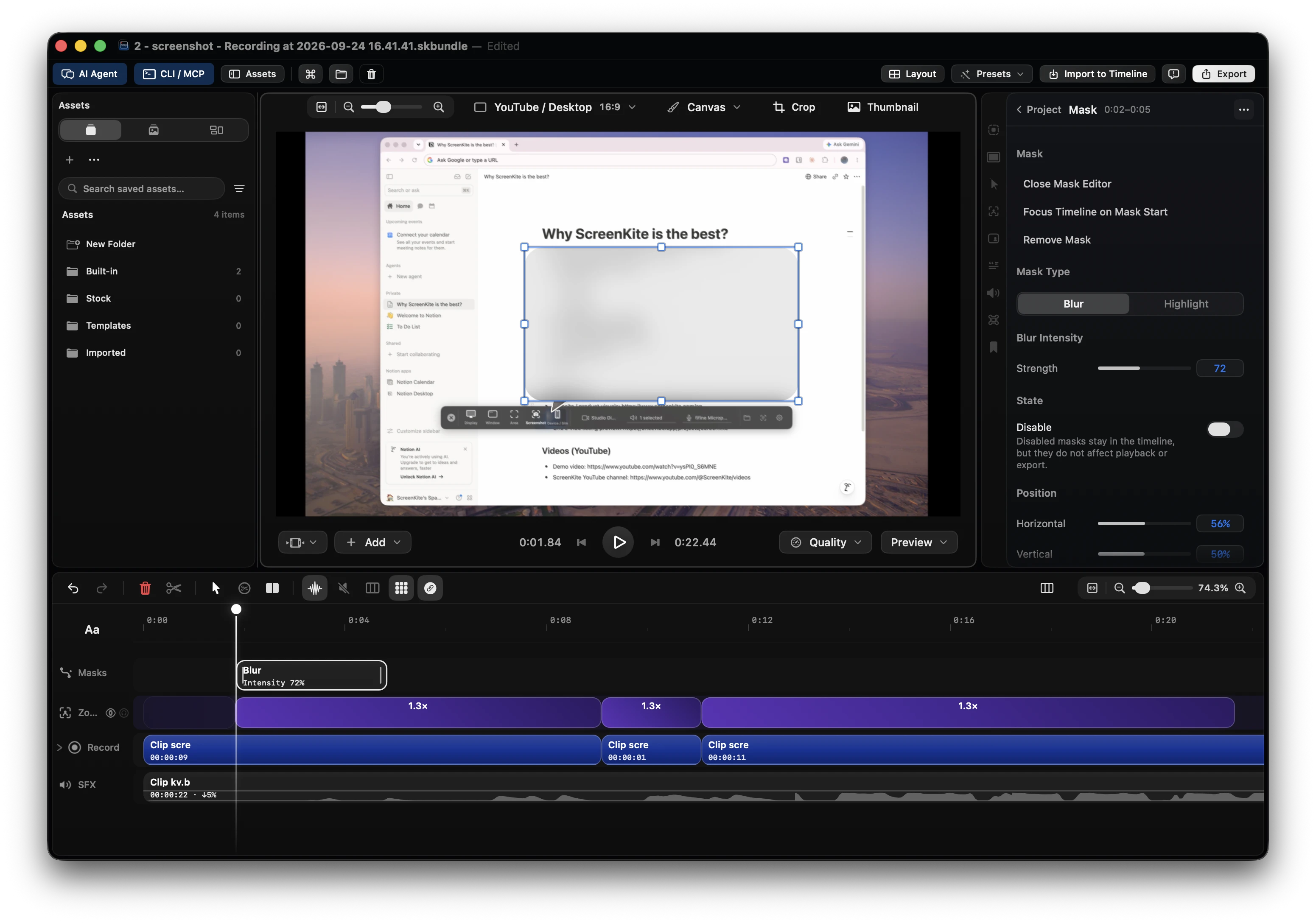
ScreenKite is free to use. Every editing feature is free. One payment of $99.99 removes the export watermark, covers 3 devices and never renews. Native macOS, plus a native Windows Beta. Try ScreenKite
Screen Studio 4.0 in five facts
- Subscription only for new buyers. Screen Studio's own page: "purchasing one-time licenses was possible in the past, but is no longer available for new purchases." Current plans are on its pricing page.
- Lifetime owners are left behind. Owners say their license "won't cover newer version" (details below).
- Projects saved in Screen Studio 4 don't open in Screen Studio 3 (changelog). Save a project in 4.0 and Screen Studio 3 can't open it.
- No Windows. Its FAQ: "No, and there are no near-future plans to add Windows support."
- Clip stitching is unfinished. Asked on launch day whether you can record multiple scenes and edit them together, a Screen Studio team member answered: "No(t yet), unfortunately" (X, Nov 1, 2026).
For the export failures and rolled-back features of the October 4.0 rollout, read Screen Studio 4.0 Problems: What Broke, What Was Rolled Back, and the Best Alternative. Below is the money side.
Lifetime owners: "Needs the LTD back"
The loudest complaint about 4.0 is not a bug. It is people who paid once and found out that "once" had an end date.
- @mrterrycarson, replying to the 4.0 launch post (Nov 1, 2026): "It's ok. Needs the LTD back."
- A lifetime owner in the Product Hunt launch comments (Nov 1, 2026): "i got the lifetime license thinking i would get those new things too :-("
- @Farhanism_al (Apr 7, 2026): "I bought a screen studio lifetime 2 yrs ago … today I tried to rec it's says it won't cover newer version."
- @regExpParser (Jan 29, 2026): "now it says I can't use it anymore due to a license I don't own? I can also not downgrade to a version that my license covers." Then: "Does anyone know software where lifetime support means lifetime?"
- @JourneymanChina (Oct 13, 2026), in Chinese: recording sometimes cuts out on its own, which he called a fatal problem for a screen recorder. When he checked for updates, his license had expired and upgrading meant paying again.
- @VaptorVx (May 3, 2026): "Moving to subscription broke my trust. … I can't recommend Screen Studio anymore."
On r/macapps, one user said the update prompt did not disclose that the new version also needed a new plan, and a moderator called it misleading to list lifetime updates as a feature of a subscription.
New buyers: subscription or nothing
People who never owned a license hit the same wall from the other side.
- An early customer in the Product Hunt launch comments (Nov 1, 2026): "the decision to move away from one-time purchases toward a subscription-only model for new customers really turned me off."
- Another Product Hunt commenter, same day: "since they forced a subscription to use the product I am moving to new software and can no longer recommend."
- @mohastaf (Nov 2, 2026): "i've been looking for a Screen Studio alternative because of its subscription model … paying monthly for a screen recording app just isn't convincing enough for me"
- @lusanchezzuber (Nov 18, 2025): "I hate the screen studio subscription only model"
- @heydevin, a long-time user (Sep 2, 2026): "they do seem slow to update and I see no point paying a renewal fee when there are other apps that have feature parity and charge a one time fee."
- @ui_varshaa (Sep 3, 2026): "I use Screen Studio but it's too expensive for me. I wanna find an alternative."
- @MajorTimbWlf21 (Jun 20, 2025): "you don't even get a lifetime license for that damn price"
What the 4.0 launch comments still ask for
A major version is where long-standing requests should land. Launch-day comments on Product Hunt show they did not.
- "not being able to re-order clips is pretty frustrating."
- "features we've been asking for, for a long time like being able to import new video and audio or do voiceover recordings"
- "WE NEED MULTIPLE MASKS AT THE SAME TIME!!!!!"
- A long-time user listed detaching the audio track from the video and stitching multiple clips together as things they still cannot do.
The team's answer on stitching, on launch day (@merlindru): "No(t yet), unfortunately … We're still working out how to best implement stitching together stuff." The same reply calls it "one of our most requested -- and frankly direly needed -- features." Its 4.0 release notes list no multi-track timeline (changelog).
What subscribers got after the update
Paying subscribers did not get a smooth rollout.
- @HariBonda (Oct 8, 2026): "Since v4, parallel batch exports frequently crash/fail overnight, unlike stable v3."
- @HariBonda again (Oct 16, 2026): "the latest update v4 has made the experience frustrating … Mic voice is lower than the system audio."
- @direwolfram (Oct 8, 2026): "Was the Improve microphone audio removed in the latest version?"
- @ItsJonHowell (Oct 1, 2026): "Why did you remove the % value on padding?"
- @attacomsian (Oct 6, 2026): "Screen Studio almost froze my Mac while exporting a 1 min 4K video. memory spiked to 8.43 GB"
- A Screen Studio team member (Oct 10, 2026): "We've had an issue with Intel Macs that have an AMD GPU." (X)
Screen Studio 4.0 vs ScreenKite
| Need | Screen Studio 4.0 | ScreenKite |
|---|---|---|
| Pay once and own it | One-time licenses "no longer available for new purchases" (screen.studio) | One payment of $99.99, never renews |
| Price | See its pricing page | Free to use with a watermark on exports; $99.99 once removes it on 3 devices |
| Older lifetime license | Owners report it "won't cover newer version" | Pro never renews |
| Windows | "No, and there are no near-future plans to add Windows support." | Native Windows Beta |
| Intel Macs | "We've had an issue with Intel Macs that have an AMD GPU." (team, Oct 10, 2026) | Native on Apple Silicon and Intel |
| Combine clips in one project | "No(t yet), unfortunately" (team, Nov 1, 2026) | Full editor built in; no second editor needed |
| AI editing | See its product page | Bring your own agent: Claude Code, ChatGPT Codex, Antigravity, Grok Build or Kimi. AI fee $0 |
How ScreenKite is built
Back then I couldn't make the edits I needed in Screen Studio, so the clip went to Final Cut, the cuts were fixed, the animations broke, and the clip was exported again. Two tools, two payments, one afternoon gone. ScreenKite is the tool I wanted that day.
- Record and edit in one app. The full editor is built in, so you finish the video without a second editor.
- Pay once. There is no subscription. One payment of $99.99 covers 3 devices and never renews.
- Free to try for real. Every editing feature is free. Exports carry a watermark until you buy Pro.
- Bring the AI you already pay for. Your ChatGPT or Claude subscription drives the edit through Claude Code, ChatGPT Codex, Antigravity, Grok Build or Kimi. The ScreenKite AI fee is $0.
- 83 purpose-built editing tools, shaped by tens of thousands of hours of video-editing practice.
- Exports are lightning fast, in our tests and in user feedback.
- Native on macOS, Apple Silicon and Intel, with a native Windows Beta.
Any downsides? The only downside is there's almost no downside, because we're video creators ourselves and know what users need.
ScreenKite runs natively on macOS and ships a native Windows Beta. It's lightning fast, in our tests and in user feedback, and you edit on the timeline with the AI agent you already use: Claude Code, ChatGPT Codex, Antigravity, Grok Build or Kimi. Describe the cut, and the agent does the trims.
Facts
- Product: ScreenKite
- Platform: native macOS (macOS 15 or later, Apple Silicon and Intel) and a native Windows Beta
- Price: Free to use with a watermark on exports. One payment of $99.99 removes it, covers 3 devices and never renews. An account is required. 14-day refund, no reason asked.
- AI: bring your own agent: Claude Code, ChatGPT Codex, Antigravity, Grok Build, Kimi. AI fee $0.
- Checked: 2026-11-02
FAQ
Do Screen Studio lifetime license owners get 4.0?
Not automatically. Owners report that their lifetime license "won't cover newer version" and that they have to pay again to upgrade. On the 4.0 Product Hunt launch, a lifetime owner wrote: "i got the lifetime license thinking i would get those new things too :-("
Can I still buy Screen Studio with a one-time payment?
No. Screen Studio says one-time licenses are "no longer available for new purchases." New buyers get a subscription. ScreenKite Pro is one payment of $99.99 that never renews.
How much does Screen Studio 4.0 cost?
It is a subscription; the current plans are on Screen Studio's pricing page. ScreenKite is free to use, and Pro is one payment of $99.99 for 3 devices.
Can I go back to Screen Studio 3 after opening a project in 4.0?
Not with that project. Screen Studio's changelog says projects saved in Screen Studio 4 don't open in Screen Studio 3.
Does Screen Studio 4.0 run on Windows?
No. Its FAQ says there are "no near-future plans to add Windows support." ScreenKite ships native macOS and a native Windows Beta.
Can Screen Studio 4.0 stitch multiple clips together?
Not yet. Asked on launch day whether you can record multiple scenes and edit them together, a Screen Studio team member answered "No(t yet), unfortunately," and launch commenters asked for clip reordering. ScreenKite has the full editor built in.
What is the best one-time-purchase alternative to Screen Studio?
ScreenKite. It records and edits in one app on macOS, ships a native Windows Beta, is free to use with a watermark, and one payment of $99.99 removes it on 3 devices. Your own ChatGPT or Claude subscription drives the AI edits, with a $0 AI fee.
What's the catch with ScreenKite?
The only downside is there's almost no downside, because we're video creators ourselves and know what users need.
Own your recorder
A screen recorder should not stop at the next major version. Try ScreenKite free, and pay once when you are ready.
Founder of ScreenKite. Mike records product demos and lessons on a Mac, and builds the recorder and editor he wanted for that work.
www.screenkite.comRelated articles
Best Pay-Once Screen Recorder for Mac in 2026
Screen Studio no longer sells one-time licenses to new buyers. Camtasia 2025 is subscription only. ScreenKite is free to use with a watermark, and Pro is one payment of $79.99 for 3 devices that never renews.
Screen Studio 4.0 Problems: What Broke, What Was Rolled Back, and the Best Alternative
Screen Studio 4.0 shipped export failures, black editors on Intel Macs and features moved back to beta. Here is the public record from Oct 2026, and why Mac creators are switching to ScreenKite.
 screen-studio
Screen Studio 4.0 Alternative for Creators Who Want a Full Studio: Record, Edit on Tracks, Direct Your Agent
Screen Studio 4.0 adds edit by transcript and split screen. ScreenKite records, edits on a multi-track timeline and takes your own coding agent in one native app. Free to start, $79.99 once to remove the watermark.